

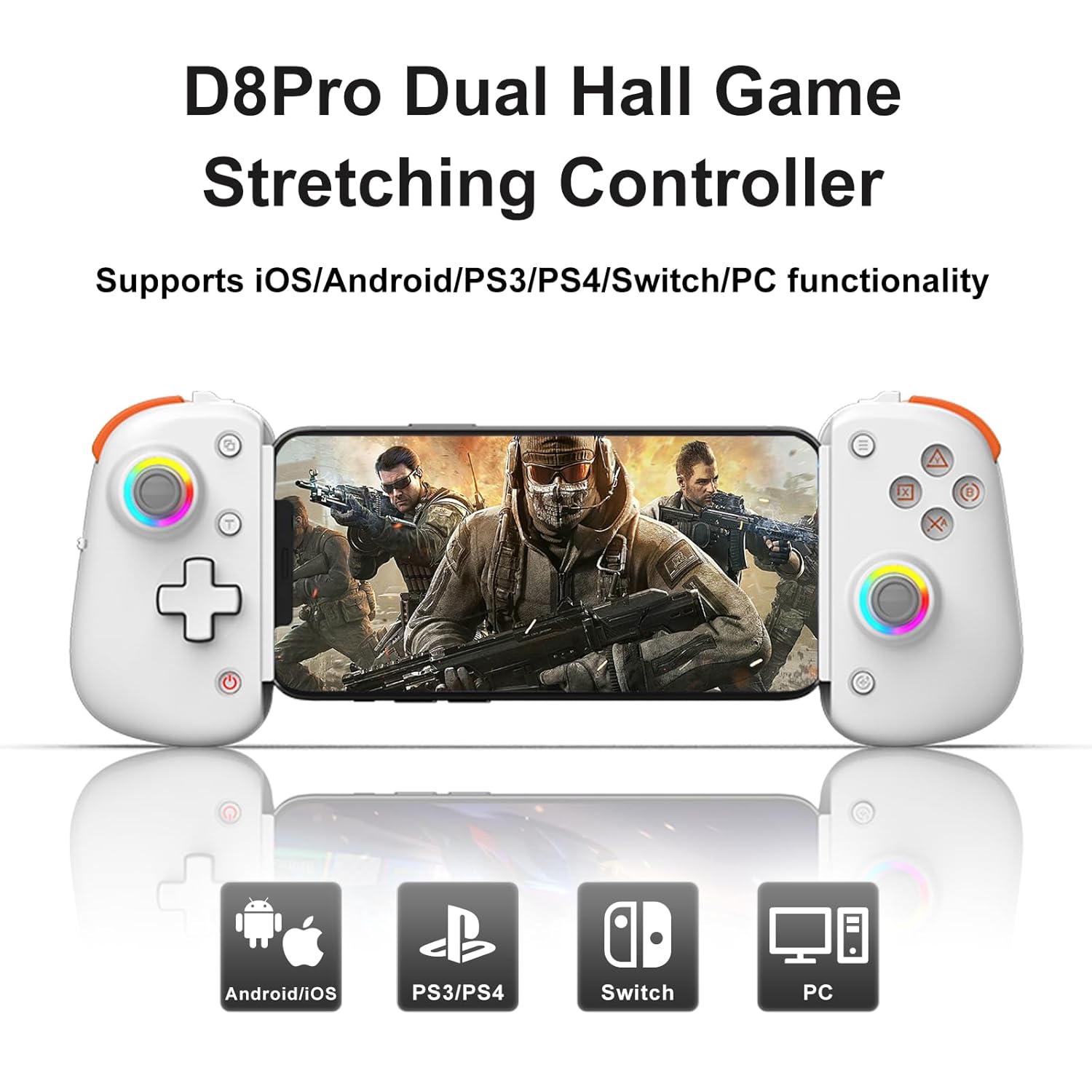
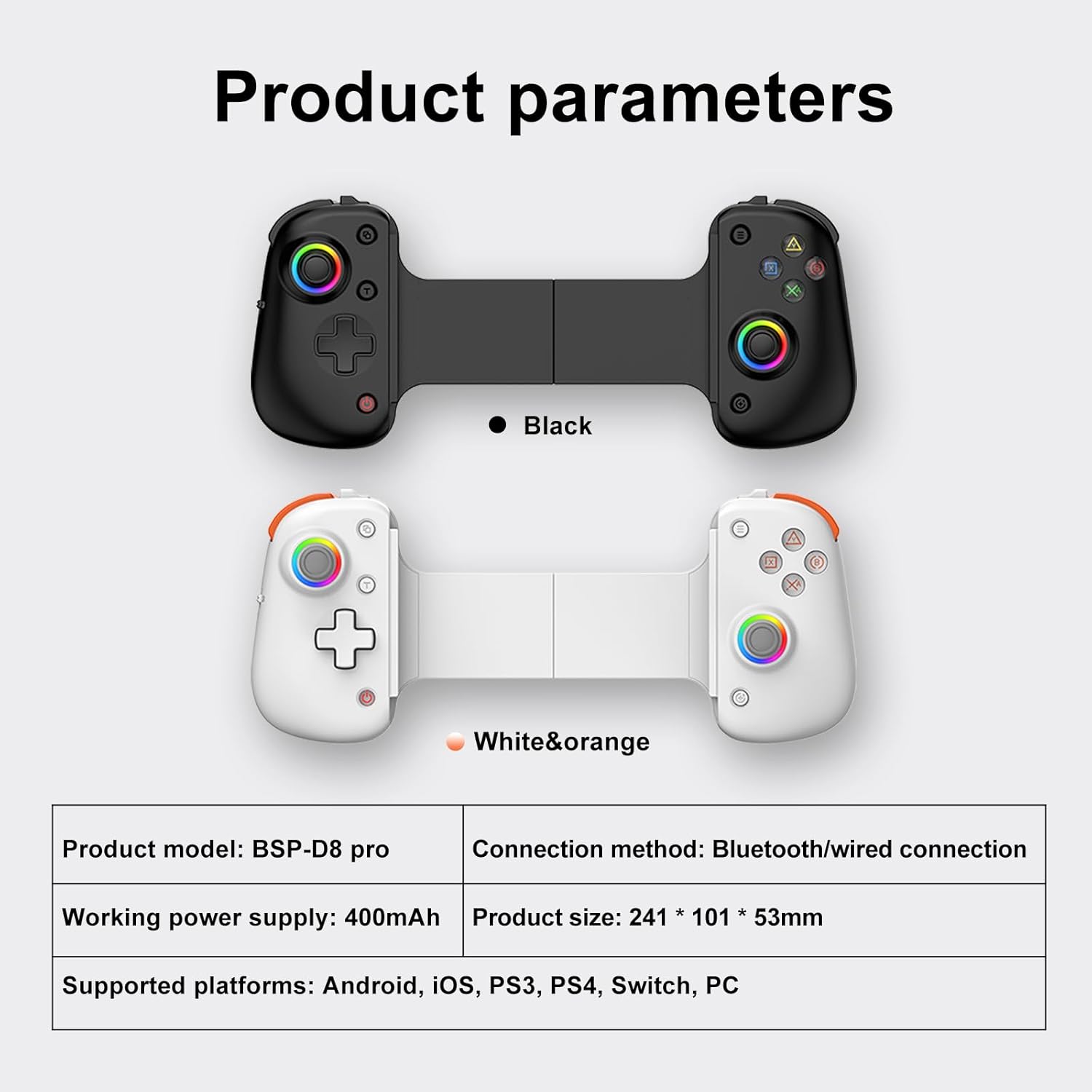
Wireless Mobile Gaming Controller, RGB Joystick, Linear Trigger, Turbo/Vibration/6-Axis Gyro, Wireless Gamepad Controller for Air/Mini, iPad /Tablet 11.3 inch/iPhone/Android/Switch/PS4/PC (White & Orange)
$45.52


Product Description


HOW TO CONNECT?
The video showcases the product in use.The video guides you through product setup.The video compares multiple products.The video shows the product being unpacked.
D8Pro iPhone and iPad IOS Bluetooth Connection
*For first-time power-on pairing, follow these steps strictly:
Hold “B” button.While holding “B,” press and hold “Home” button for 2 seconds to enter iOS MFi mode (status indicator flashes purple quickly). Correct sequence is crucial for pairing.Turn on Bluetooth on iPhone/iPad and select “DUALSHOCK4 Wireless Controller” in Bluetooth settings (if “BSP D8Pro” or “Xbox Wireless Controller” appears, repeat steps 1 and 2). Once connected, the status indicator stays purple.Download MFi games from the Shanwan MFi app.
The video showcases the product in use.The video guides you through product setup.The video compares multiple products.The video shows the product being unpacked.
D8Pro Nintendo Switch Bluetooth Mode Connection
*For first-time power-on pairing, follow these steps strictly:
Turn on the Nintendo Switch console and select “Controllers” > “Change Grip/Order” to enter pairing mode page.Hold “R2” button on the D9 controller. While holding “R2”, press and hold “Home” button for 2 seconds to enter SWITCH pairing mode (status indicator flashes green quickly). Correct sequence is crucial for pairing.D9 controller will automatically connect to the SWITCH console. Once paired, the status indicator stays green.Press “L1+R1” on the controller, then press “A” when ready.
The video showcases the product in use.The video guides you through product setup.The video compares multiple products.The video shows the product being unpacked.
D8Pro Android Tablet/Phone Standard ModeConnection
*For first-time power-on pairing, follow these steps strictly:
Hold “X” button.While holding “X,” press and hold “Home” button for 2 seconds to enter Android Standard Mode (status indicator flashes orange quickly). Correct sequence is crucial for pairing.Turn on Bluetooth on Android phone, select “BSP-D8Pro” in Bluetooth settings (if not found, repeat steps 1 and 2). Once connected, the status indicator stays orange.Download games from various platforms in Android Standard Mode.
The video showcases the product in use.The video guides you through product setup.The video compares multiple products.The video shows the product being unpacked.
D8Pro Android Shooting Plus Mode Connection
*For first-time power-on pairing, follow these steps strictly:
Hold “A” button.While holding “A,” press and hold “Home” button for 2 seconds to enter ShootingPlus Android Mode (status indicator flashes red quickly). Correct sequence is crucial for pairing.Turn on Bluetooth on Android phone, select “BSP-D8Pro” in Bluetooth settings (if not found, repeat steps 1 and 2). Once connected, the status indicator stays red.Android Key Mapping Function: For Android, download “ShootingPlus” App from mobile app markets to map and adjust key positions.
The video showcases the product in use.The video guides you through product setup.The video compares multiple products.The video shows the product being unpacked.
D8Pro PC X-input Bluetooth Mode Connection
*For first-time power-on pairing, follow these steps strictly:
Hold “R1” button.While holding “R1,” press and hold “Home” button for 2 seconds to enter PC Bluetooth Mode (status indicator flashes cyan quickly). Correct sequence is crucial for pairing.Turn on Bluetooth on PC, select “Xbox Wireless Controller” in Bluetooth settings (if not found, repeat steps 1 and 2). Once connected, the status indicator stays cyan.
SPECIFIC COMPARISON
Add to Cart
Add to Cart
Customer Reviews
—
5.0 out of 5 stars
1
4.4 out of 5 stars
4
2.5 out of 5 stars
2
—
Price
$45.52$45.52
—
—
$29.99$29.99
$31.77$31.77
Color
Black/White
Black/Grey/White/Blue Red
White/Black/Blue/Red
Grey
Black/White
Supported Device Sizes
5-11.3 inch/128-289mm
5-9.9 inch/129-252mm
5-11 inch/130-280mm
5.3-8.4 inch/136-215mm
5.5-10.2inch/140-260mm
Battery Content
400mAh
350mAh
400mAh
300mAh
400mAh
For iOS and Android
✔
✔
✔
✔
✔
For Nintendo Switch
✔
✔
✔
✔
✔
For PlayStation3/PlayStation4
✔
✔
✔
✘
✔
For Xbox One, Xbox Series S/X
✔
✔
✔
✘
✔
For PC Win 7-11 Systems
✔
✔
✔
✔
✔
Support PC Cloud Gaming
✔
✔
✔
✔
✔
Support Phone Cloud Gaming
✔
✔
✔
✔
✔
Support Streaming
✔
✔
✔
✔
✔
🎮【Versatile Compatibility】: Compatible with iPad/Tablet 11.3inch. It is not just limited to iPads, but also compatible with iPhone, Android devices, PC, Switch, PS4, Xbox, and Cloud Gaming. Enjoy seamless gaming across a variety of platforms with one versatile controller. (⚠️Compatible with PS5, but only supports playing PS4 games on PS5 console, No support for PS5 games)
🎮【High-Quality Materials】: Crafted with durability in mind, this iPad gaming controller is made from high-quality materials to withstand the rigors of intense gaming sessions. Enjoy a reliable and long-lasting gaming accessory.
🎮【Immersive Experience】: The Mobile Phone Controller elevates your gaming experience to new heights with this wireles controller specifically designed for iPad/Tablet 11.3inch and various other devices. Get ready to dominate the virtual battlefield with the precision of the RGB Hall Effect Joystick and the seamless control of linear triggers. Immersive gameplay awaits with TURBO/Vibration/6-Axis Gyro features that bring your gaming adventures to life.
🎮【Retractable Gaming Controller】This wireless controller with stretch design supports ipad/tablet/mobile phone that is 128-289mm long and 13mm thick. (Size supports devices within 5-11inch)
🎮【iphone supports games】 Call of Duty(COD), Genshin Impact, Guardian Tales, Diablo Immortal, Asphalt 9: Legends, Minecraft, Warm Snow, Crystal of Atlan(COA), Champion of the Fields, TOWER OF FANTASY, as well as MFI official Apple controller games. Others games are not supported, and iphones do not support V3 Application.




There are no reviews yet.