

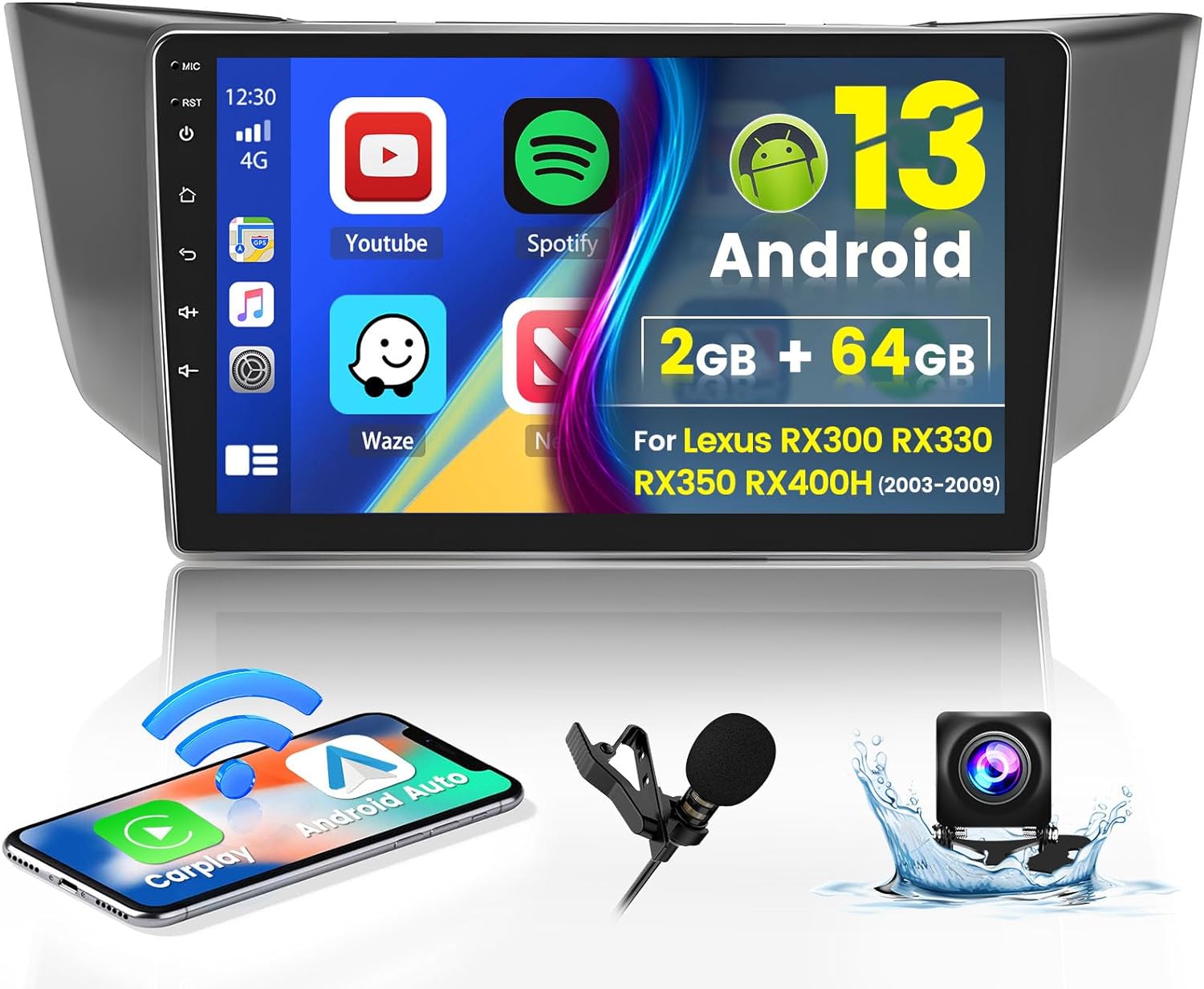
Roinvou 2+64G Android 13 CarPlay Stereo for 2003-2009 Lexus RX300 RX330 RX350 RX400H, Wireless CarPlay Radio with Android Auto, 9” Touch Screen In-Dash GPS Navigation Support Mirror Link BT HiFi WiFi
$149.99

Product Description
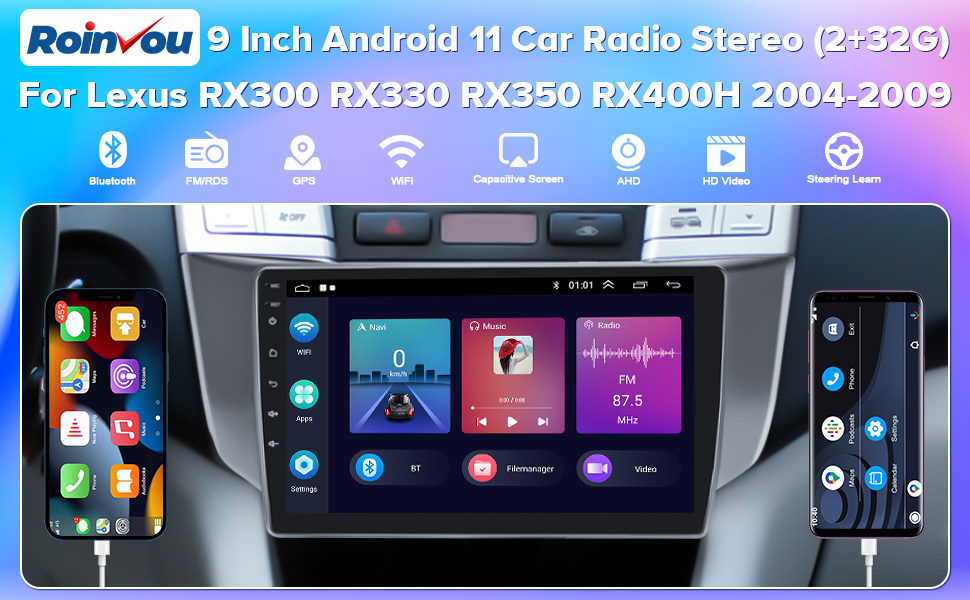
Roinvou 2+32G Android 11 Car Stereo for 2004-2009 Lexus RX300 RX330 RX350 RX400H, 9” Touch Screen with CarPlay Android Auto Hi-Fi Backup Camera
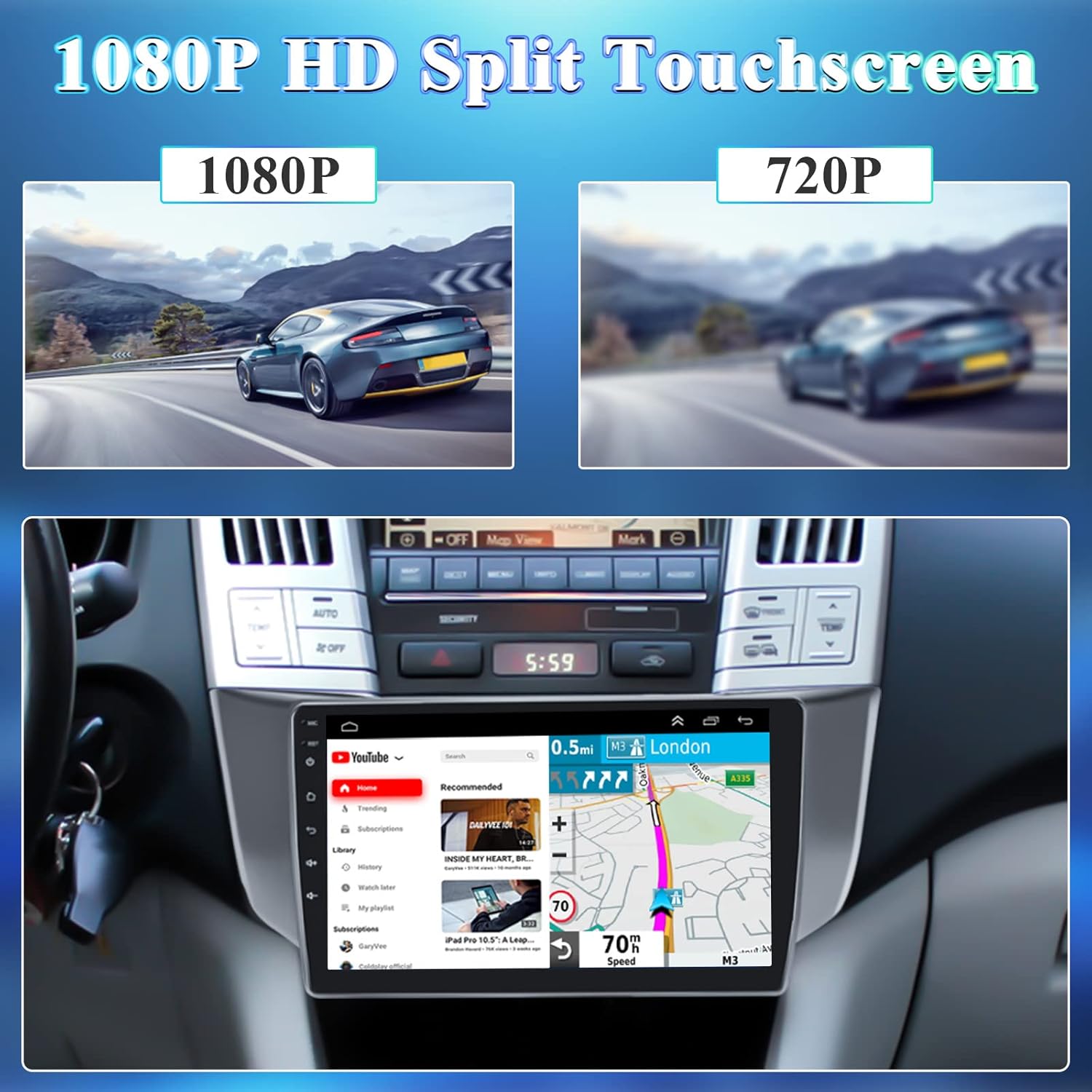
– 1080P HD 9” full capacitance touch screen car radio player
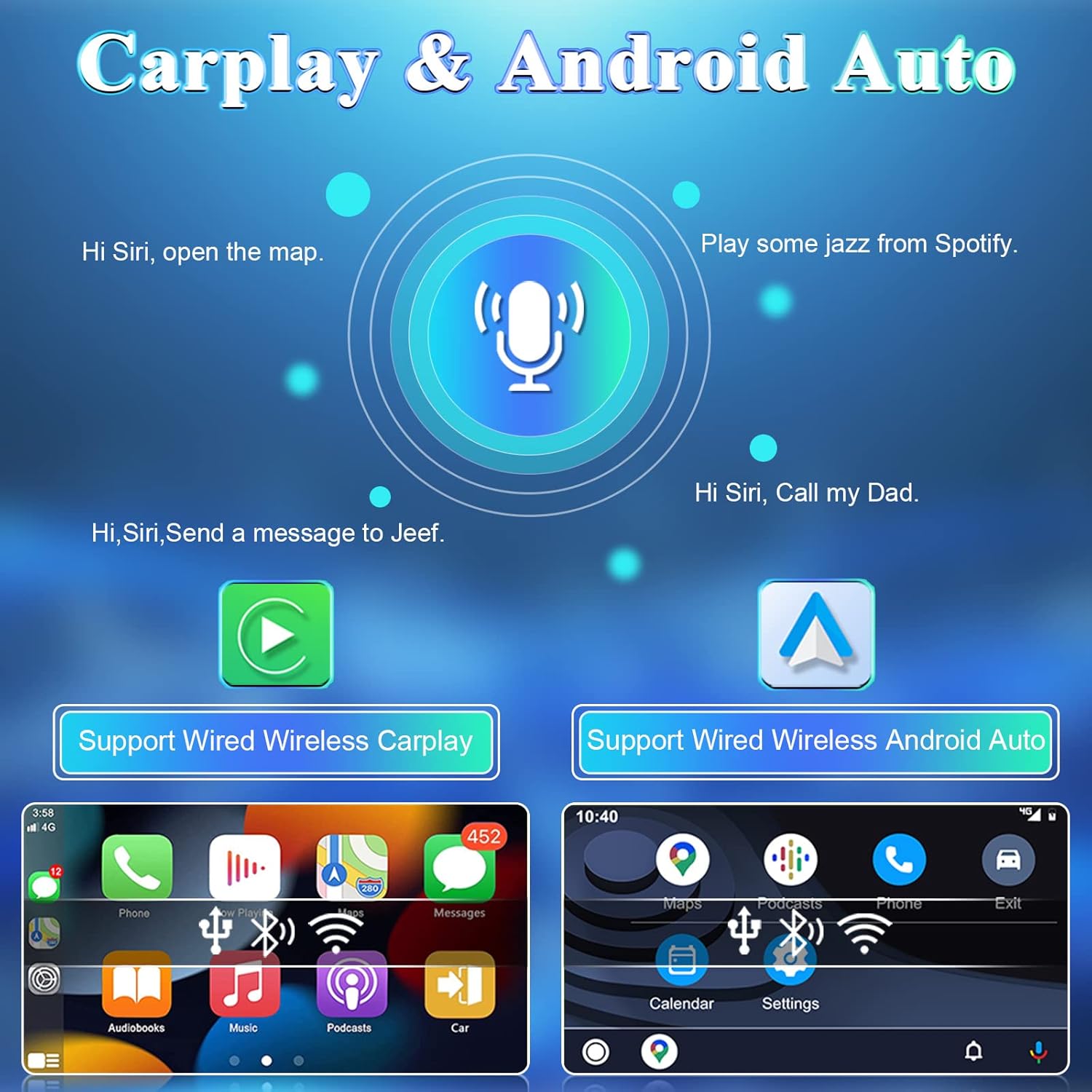
– Bulit-in Carplay and Android Auto module
– Support GPS Navigation & WiFi Hotspot
– Support 720P AHD camera image input
– Hi-Fi function reproduced sound highly similar to your original car
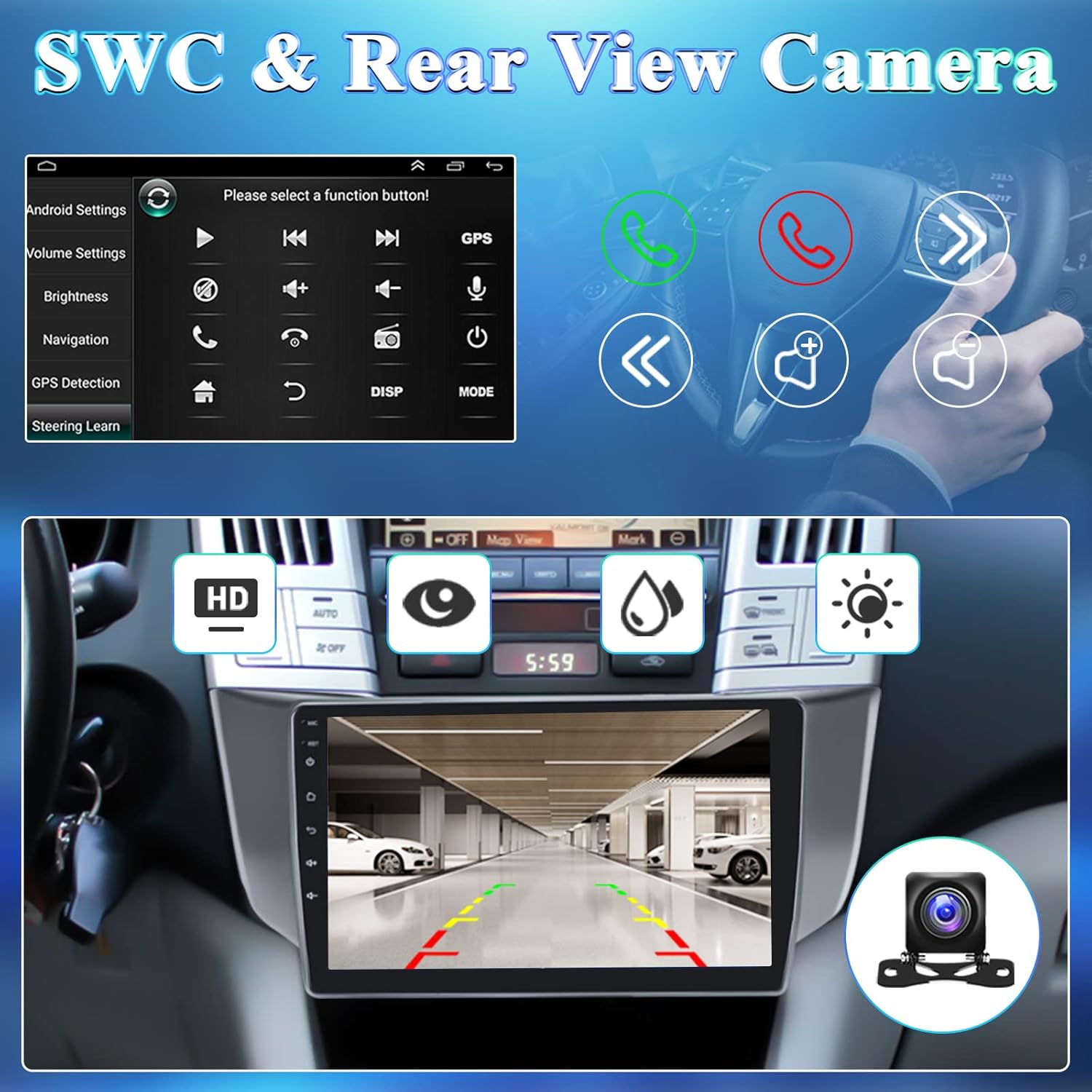
– Control the functions you need by steering wheel
– Built-in Bluetooth with A2DP – Bluetooth hands-free calls, Bluetooth music player, auto loading phonebooks
– Double USB adapter input
– Support download, install and delete over thousands of android apps
– Support up to 40 national languages
– FM radio with 18 preset stations
– Use the network or GPS to open the date and time automatically
– Support external microphone (Included)

No Division in Your Family Between iPhone and Android Phone Users!!!
CarPlay/Android Auto has revolutionalized the way we drive by enabling us to safely use the iPhone/Android phone while driving. Now we can make calls, send/receive messages, listen to music/radio/podcasts/news/audiobook… on the head unit while driving really conveniently. This, in turn, requires a head unit that can adequately meet the demands of these functions in terms of audio and visual performance.
Wireless CarPlay Connection Steps:
Open BT on the main page of the radio, then click on the Bluetooth Settings in the lower right corner to see the device name and password. Turn on the Bluetooth of your mobile phone and look for relevant device name and enter password. (After the Bluetooth connection is successful, the 8 words mobile phone audio and media audio will be displayed, which means that the Bluetooth connection is successful. If it does NOT appear, please restart the Bluetooth.)Open “ZLINK” from APPs and wait for a few seconds to connect successfully. (If the connection is NOT successful, a manual WiFi connection is required.)
2.1 Path: Settings – Android Settings – Go to Settings – Network & Internet – Hotspot & tethering – Wi-Fi Hotspot – Set up Wi-Fi hotspot.
2.2 Turn on your phone’s WiFi and look for the radio’s hotspot name. (When the device name is displayed, the WiFi connection is successful.)
2.3 After manually connecting to the WiFi of the radio, the radio needs to delete the history record, and then click ZLINK. (The second-to-last key in the upper right corner of the main interface. That is, the icon to the left of the return key.)
Wireless Android Auto Connection Steps:
Turn on the Bluetooth on the main interface of the radio.Turn on the phone’s Bluetooth, find the device name “CarBT”, and enter 0000 to match.Turn on WiFi on the main interface of the radio, click “Wi-Fi hotspot”, and turn “Off” to “On”.Turn on the WLAN of the phone and find the hotspot name displayed on the radio to match.Open ZLINK in Apps, wait a few seconds and the connection will be successful. (The second time you connect, you only need to turn on Bluetooth and it will automatically connect.)
Wired CarPlay & Android Auto Connection Steps: 1)Open ZLINK; 2)Connect the mobile phone with the car player via original data cable (Note: Please use 4-pin USB Cable to connect); 3)Waiting for connection
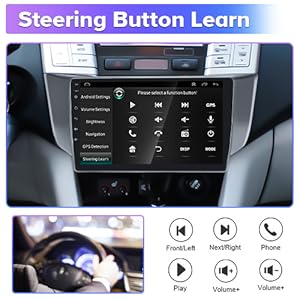
Steering Button Learn
Settings – Steering LearnAfter learning the steering wheel buttons, you can control this bluetooth car stereo through the steering wheel.
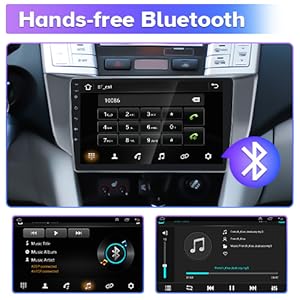
Hands-free Bluetooth
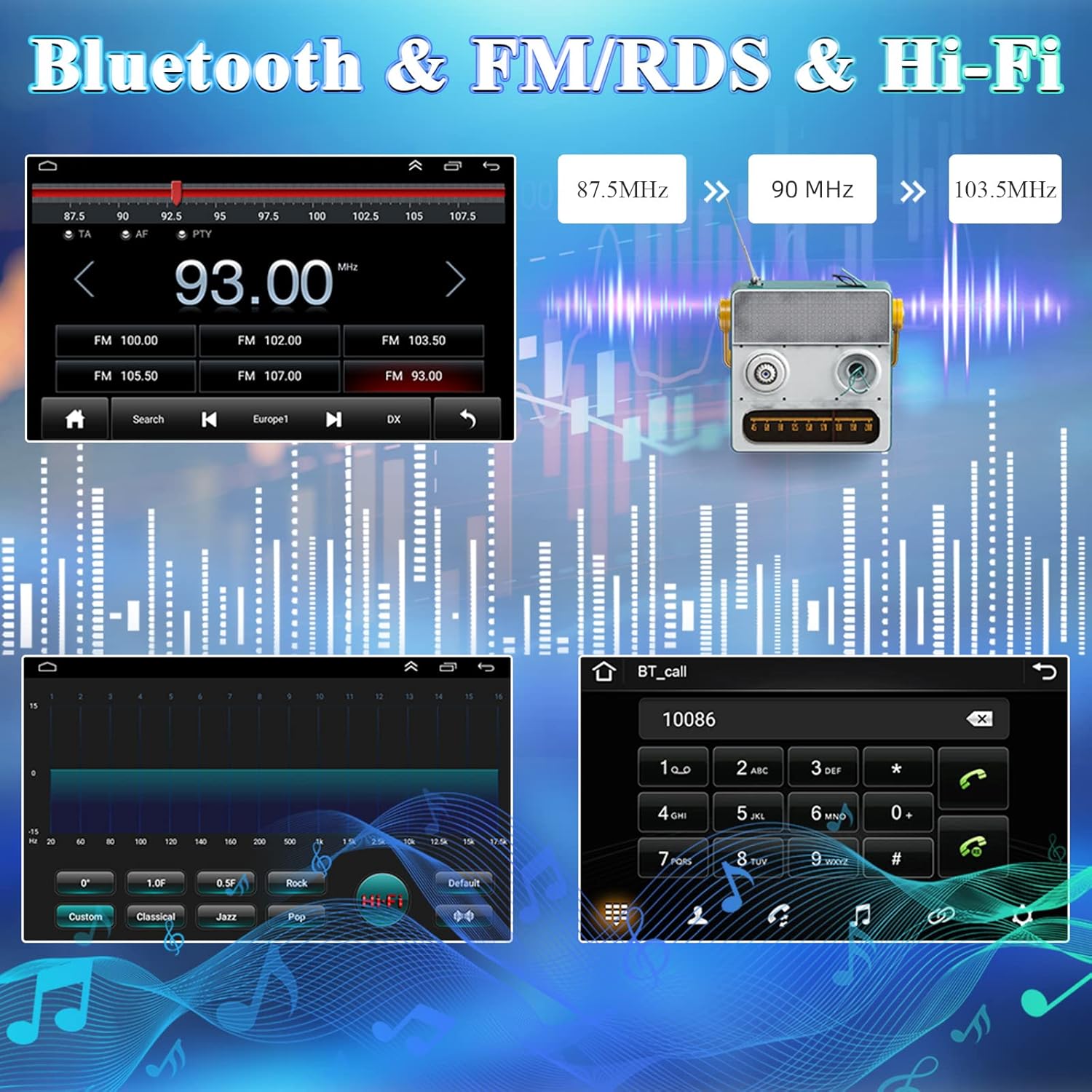
Compatible with Bluetooth, just turn on the radio or connect to your phone via Bluetooth, you can enjoy your favorite music right now, and manage your calls for a truly hands-free experience. After turning on the BT on the home page, you can see the device name and device pin in the settings, then turn on the bluetooth of your mobile phone to find the name and enter the password to complete the matching.
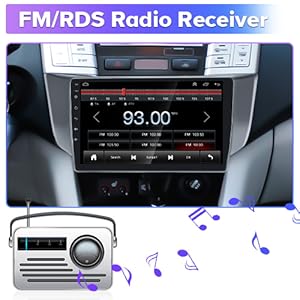
FM/RDS Radio Receiver
Built-in FM with 18 preset stations, with this car radio, you can listen to real time traffic, news broadcasts, weather forecasts. FM Tuning Rangeis 87.5-107.9MHz.
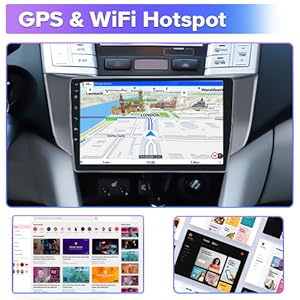
GPS & WiFi Hotspot
With external and built-in GPS Antenna, Supports both online and offline GPS Navigation.Built in Android 11 system, support Wi-Fi connection to download more apps, giving you excellent experience.
Steering Button Learn
Hands-free Bluetooth
FM/RDS Radio Receiver
GPS & WiFi Hotspot
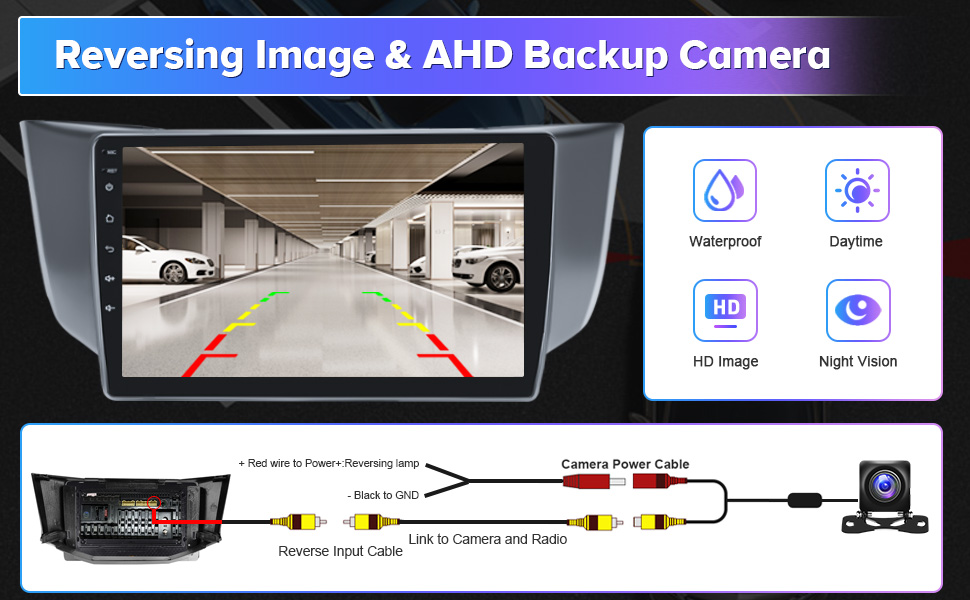
Some Precautions For Using AHD Backup Camera
1. The radio comes with an AHD backup camera, please install it according to the above wiring. In addition, please manually adjust the resolution of the camera in order to make the use better.
Path: Settings – Factory Settings (Password 8888) – Protocol Parameter settings – Reverse video resolution settings – AHD/25 or AHD/30
(If no adjustment is made, an abnormal display may occur)
2. Some vehicles will show abnormalities despite setting the resolution, which is caused by insufficient vehicle voltage, and a reversing rectifier can be added to stabilize the voltage.
3. If adjusting the camera resolution and adding a reversing rectifier still doesn’t solve the anomaly, we can resend the new camera.

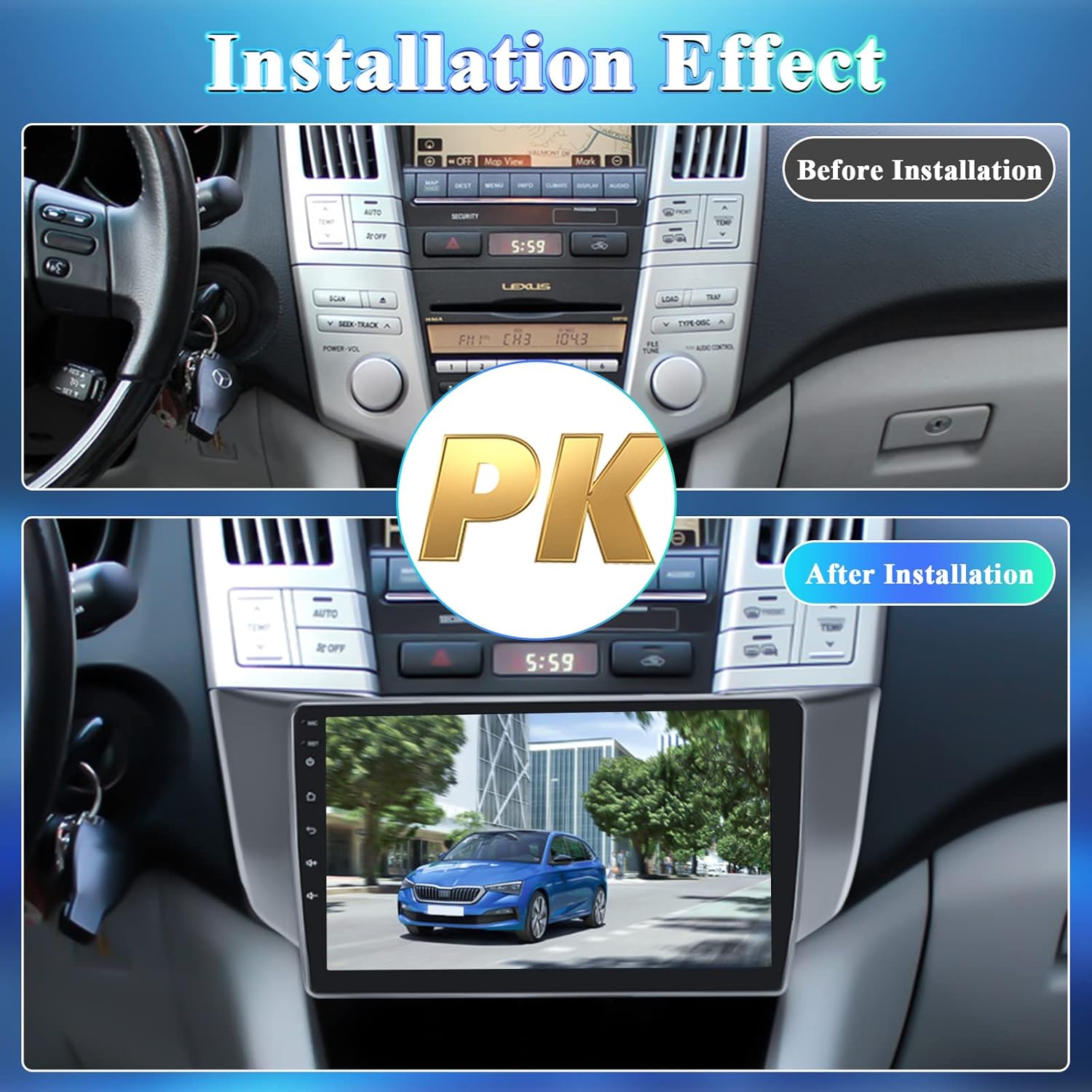
Tips For Installing This Radio
1. The picture above has a port diagram for the power cable. Please compare the ports on the back of your original car radio.
2. If you are unsure whether this radio is suitable, please provide the following information:
1) Model and year
2) Picture of the center console of the original car
3) Picture of the back of the original car radio
4) Picture of original car socket
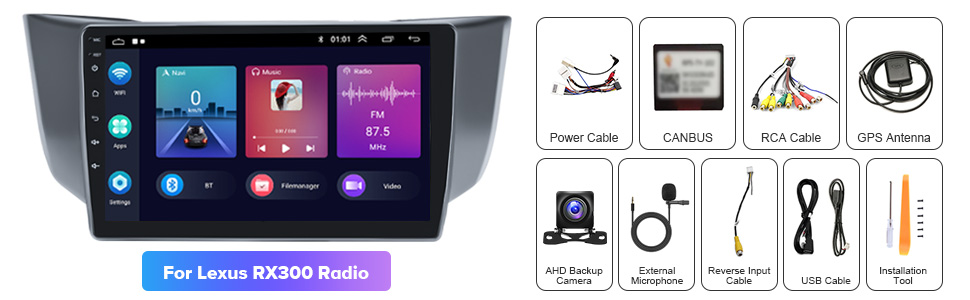
3. This radio is equipped with a protocol box, make sure that the protocol box is connected before powering on, and then match the protocol box after powering on.
Path: Settings – Factory Settings (Password 8888) – Protocol settings
Please select the brand of the protocol box first (usually there will be brand-related information on the surface of the protocol box, and then select your model information to complete the matching.
After matching, you can usually control the steering wheel, if not, you need to go to “Steering Learn” in the settings to manually learn and match the buttons.
4. If you want to connect the power amplifier, please use our RCA harness, the 8 and 9 cables in the picture above are the audio output ports (Audio OUT L/R), please connect the amplifier to these two ports, and then connect the separate blue cable 10 to the ACC.
5. The main screen of the radio can NOT be customized.
6. If you encounter any difficulties and doubts during installation and use, you can visit the information on the seller page.
Product Dimensions : 12.6 x 3.82 x 5.91 inches; 3.09 Pounds
Date First Available : November 22, 2022
Manufacturer : Roinvou
ASIN : B0BL7MZP8L
Country of Origin : China
Newest 2+64G Android 13 Car Radio: HD capacitive touch screen radio for lexus rx300 rx330 rx350 rx400h with 1024 x 600 screen resolution, giving you an excellent visual playback experience when watching videos or navigating. Support multiple EQ options and Hi-Fi sound, allows you to enjoy a superior music listening experience
Car Stereo with IOS Carplay & Android Auto: for lexus rx300 radio replacement with HD touchscreen and built-in wireless/wired Apple CarPlay and wireless/wired Android Auto for superior voice-assisted control and easier access to your phone features, including music, navigation, calls, notification, messages and much more (Some Samsung Phones are Restricted)
GPS Navigation & WiFi: for lexus rx330 radio upgrade with bluetooth contains a built-in GPS module, navigation software such as Waze and free offline maps can be used. With a WiFi/hotspot connection, the online map works perfectly, and you can also download apps from the Play Store such as YouTube, Tiktok, etc., which can enrich your car life
Android/IOS Mirror Link: You can connect this touch screen car stereo through WiFi hotspot/BT(wireless) or original USB cable(wired) of your phone to synchronize the phone screen and for lexus rx350 stereo head unit radio screen. This is very convenient when you use your phone’s navigation function. Android supports bidirectional control, iPhone supports unidirectional control (Some Samsung Phones are Restricted)
Bluetooth & FM/RDS Radio: for lexus rx400h navigation system with bluetooth and built-in & external mic (including microphone), support hands-free calling, music playback , voice functions, sync contacts, etc. Stable FM radio with 18 preset stations, manual, semi-automatic, fully automatic channel search. High-quality FM/RDS radio provides channel broadcasting, weather forecast, real-time road conditions




There are no reviews yet.