
![[8 Core 6G+128G] Android Radio for Hyundai Elantra 2007-2010 with Wireless Carplay Android Auto, 9 Inch IPS Touch Screen Car Stereo, Bluetooth 5.0, 32 EQ, GPS, 5GHz WiFi, 59UI + Backup Camera](https://i0.wp.com/m.media-amazon.com/images/I/71qbi46kEwL._AC_SL1500_.jpg?w=9999&resize=9999,150&ssl=1 "[8 Core 6G+128G] Android Radio for Hyundai Elantra 2007-2010 with Wireless Carplay Android Auto, 9 Inch IPS Touch Screen Car Stereo, Bluetooth 5.0, 32 EQ, GPS, 5GHz WiFi, 59UI + Backup Camera")
[8 Core 6G+128G] Android Radio for Hyundai Elantra 2007-2010 with Wireless Carplay Android Auto, 9 Inch IPS Touch Screen Car Stereo, Bluetooth 5.0, 32 EQ, GPS, 5GHz WiFi, 59UI + Backup Camera
 Gadronics
 ![[8 Core 6G+128G] Android Radio for Hyundai Elantra 2007-2010 with Wireless Carplay Android Auto, 9 Inch IPS Touch Screen Car Stereo, Bluetooth 5.0, 32 EQ, GPS, 5GHz WiFi, 59UI + Backup Camera](https://m.media-amazon.com/images/I/71qbi46kEwL._AC_SL1500_.jpg "[8 Core 6G+128G] Android Radio for Hyundai Elantra 2007-2010 with Wireless Carplay Android Auto, 9 Inch IPS Touch Screen Car Stereo, Bluetooth 5.0, 32 EQ, GPS, 5GHz WiFi, 59UI + Backup Camera")

Price: $149.99 - $16.99
(as of Dec 15, 2025 22:30:06 UTC – Details)

Product description
Roinvou Android 13 Car Stereo for Hyundai Elantra 2007 2008 2009 2010
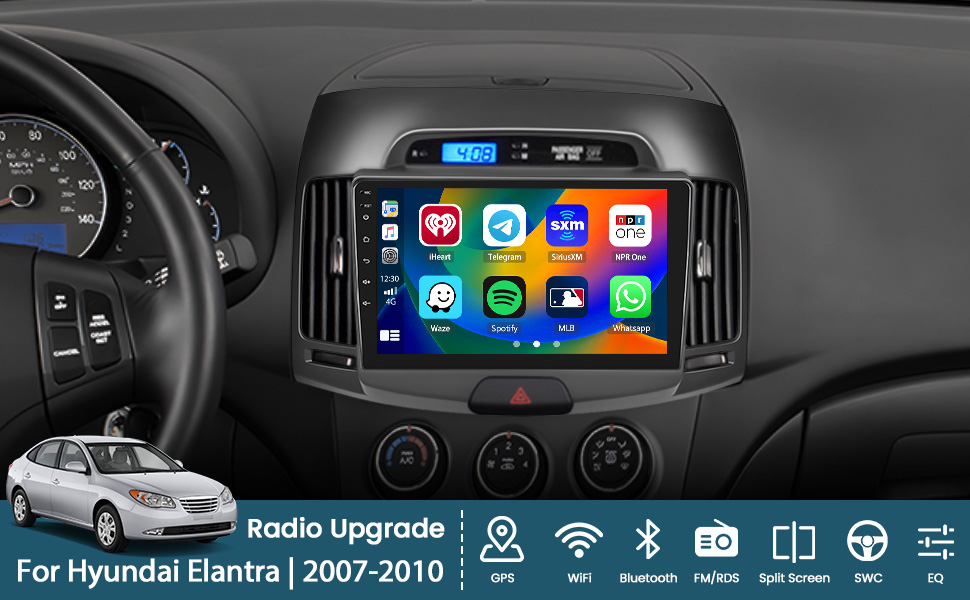
Does it fit your car?
Check the model and year of the product and the car.Compare the center console mounting position of the product with that of the car to be upgraded.Check whether the power cable connector of the product is suitable for your car. (Note: Not all connectors of the original car need to be connected.)If you still can’t judge, please send us the picture of the original radio installation position (front) and the picture of the interface on the back of the original radio.
How to Connect Wireless CarPlay and Android Auto?
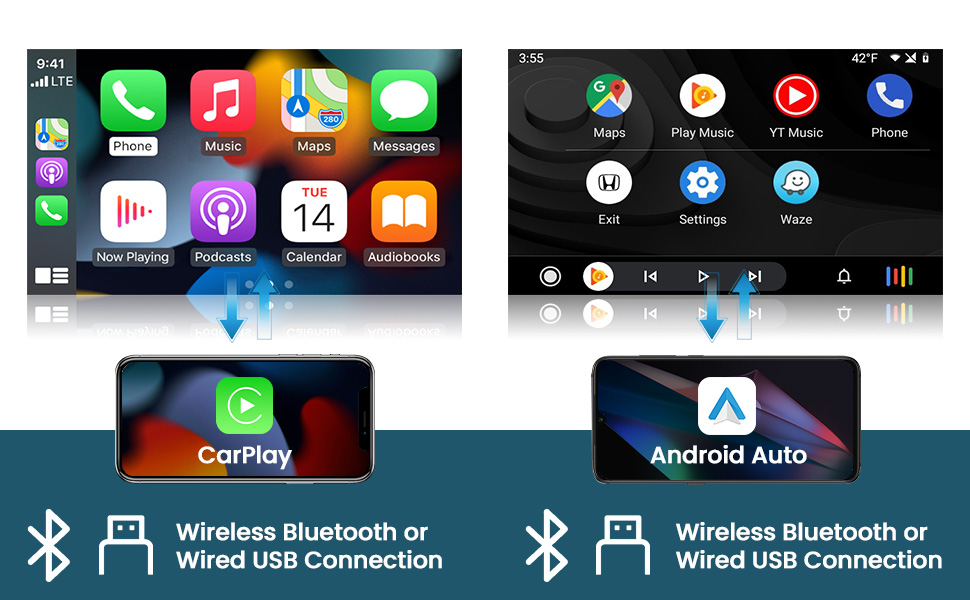
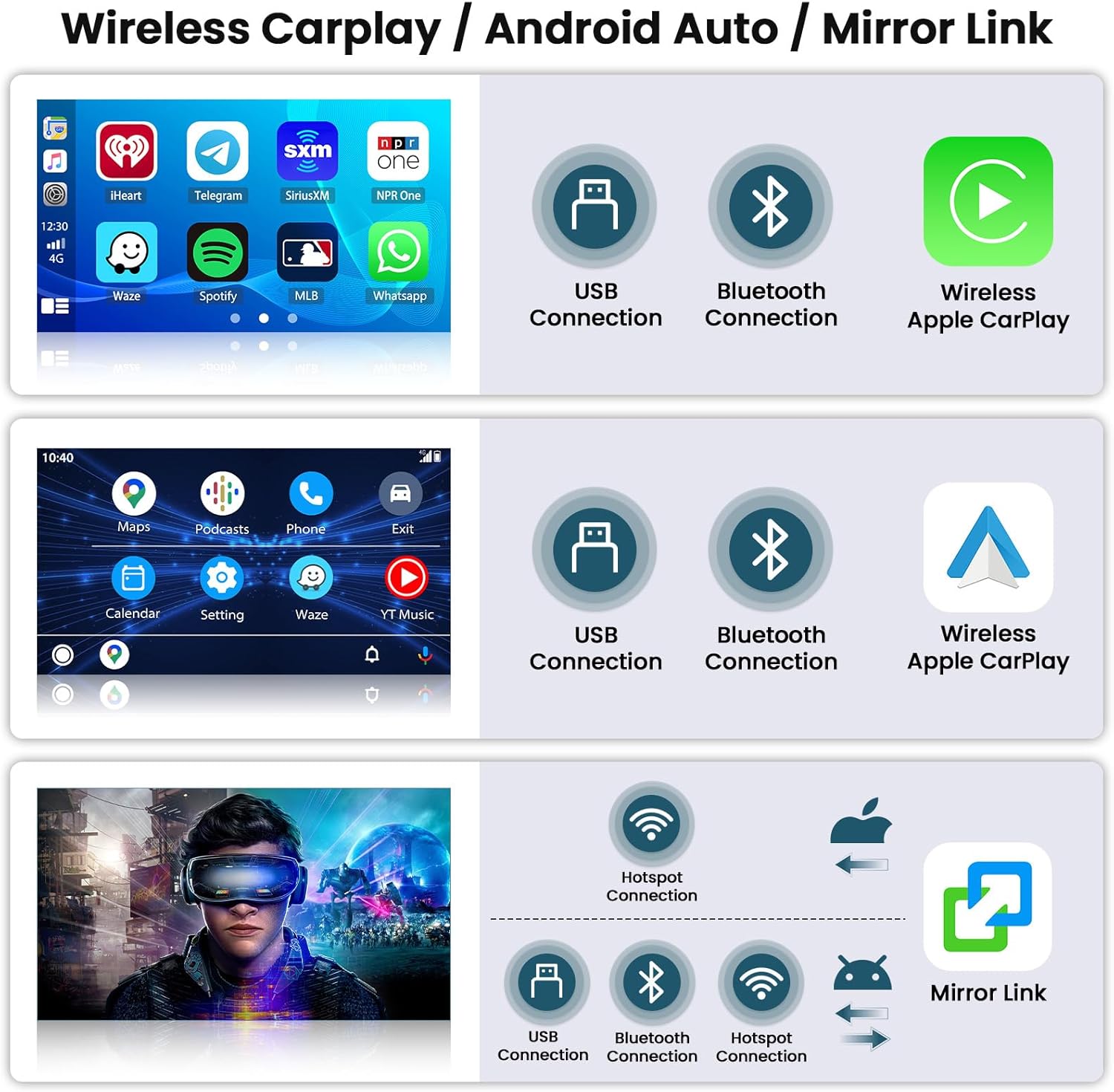
Wireless & Wired Carplay/Android Auto
Carplay Connection Notes – CPLink
Carplay function only supports the connection of Apple cell phone.The cable used for Carplay connection must be the original iPhone cable.
Notes on Connecting to Android Auto – AndroidAuto
The Android Auto function only supports connection to Android phones, Huawei version phones do not support connection.Your Android phone needs to support Google services and have Android Auto installed.
Carplay/Auto Wireless Connection
Turn on BT and find the BT name and passcode in the Bluetooth settings.Touch CPLink/AndroidAuto to enter the interface and wait for automatic connection.
Carplay/Auto Wired Connection
Connect with the original USB cable of your phone and plug it into the USB port of the car player.Touch CPLink/AndroidAuto to enter the interface and wait for automatic connection.
Why Choose Our Products?
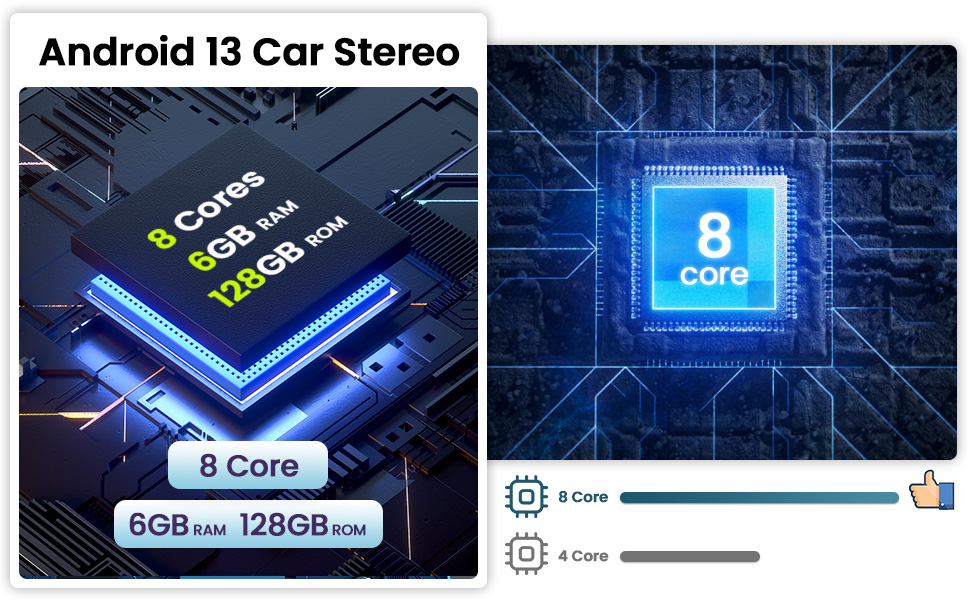
High-end 8-core chip, high memory 6+128GB, running very smoothly and unimpeded.
Diverse Functionality
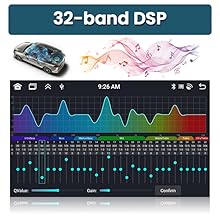
Built-in 32-band DSP
Support multiple EQ options, allows you to enjoy a superior music listening experience.

Mirror Link – CarbitLink
For Mirror Link, you can choose wired or wireless connection as needed.

1280 x 720 Resolution
Gives you a great visual playback experience when watching videos or navigating.

Support Split Screen
You can view and operate two different apps at the same time, such as navigation and music.
Backup Camera Wiring

Note: Please connect the rearview input cable whether you use the rearview camera or not, otherwise it will affect the WiFi and Bluetooth signal!

Please Note
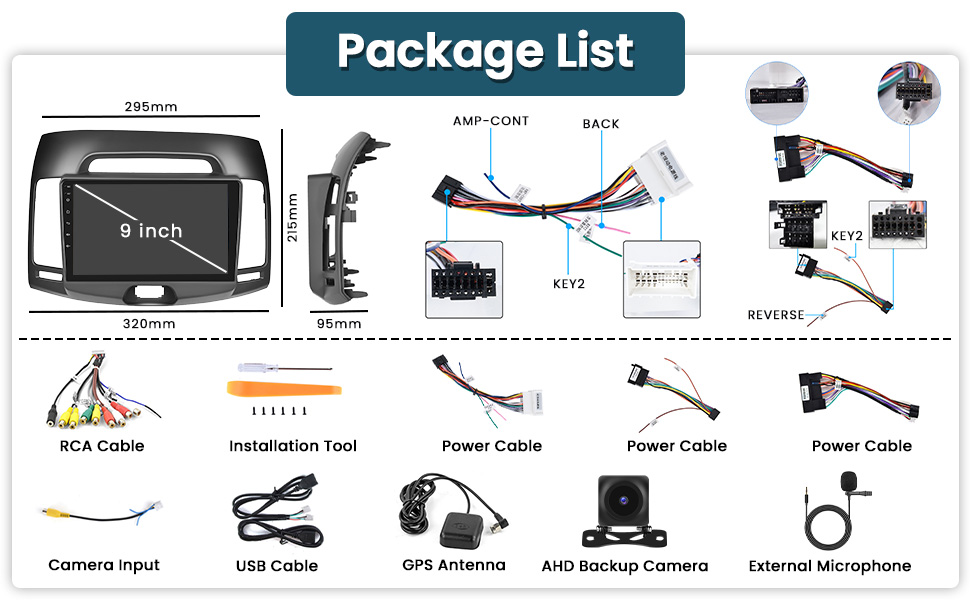
If your kit contains a canbus decoder box, please connect the 16-20pin white port in the power cord to the canbus decoder box itself, and additionally locate the 8pin white port in the same power cord and connect it to the canbus serial port location number four in the diagram above.To find out if the kit supports the factory microphone, check to see if the #1 black port in the RCA harness matches your stock port.This radio kit includes a 4pin USB port cable as well as a 6pin USB port cable.Make sure the reversing input cable (yellow port on one end and a 10pin white port on the other) is connected to position 5 on the back of the radio, although you don’t use our reversing camera, which has two small antennas attached to it that boost Bluetooth and WiFi signals.If you want to know if the kit supports the original car reversing camera, please refer to whether the power cord we come with also includes a yellow port. It needs to be connected with the reversing input cable to realize the function of the original car reversing camera.
Included Accessories
Important Tips
Please read all the instructions before installation, it is recommended to be installed by a car audio professional.
This machine is suitable for 12V car power supply system (grounding wire is required), please do not install this machine in 24V vehicle, otherwise it will damage the machine.Do not repair the power supply fuse without professional guidance.To avoid violating traffic rules, drivers should not watch the video while driving and operating the machine to avoid unnecessary accidents.For safety reasons and to ensure the normal use of the product, please ask a professional to install, dismantle or repair the machine to avoid machine damage and accidents.Please avoid placing the product in a humid environment and water to avoid fire due to electric shock or other unnecessary damage.
Note: To prevent burning the machine, please do not energize it until the power cord is properly connected!
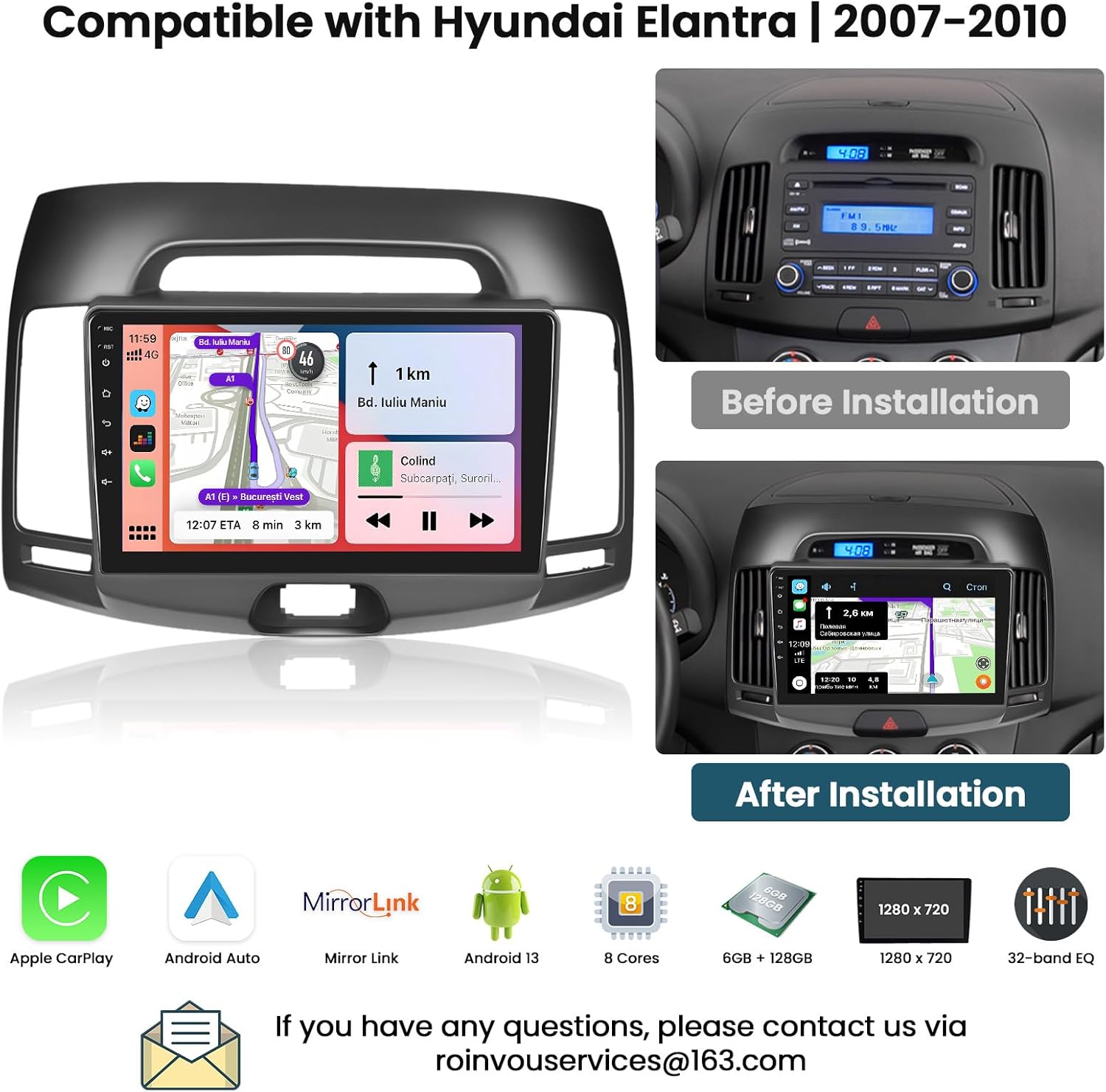
Matters Need Attention: This upgraded radio dash kit is for hyundai elantra 2007 2008 2009 2010. The stereo comes with an in-dash head unit, wiring harness cables and frame panel. No need to modify the cables of your car. Please check if the power cable port on the detail page matches your original car before purchasing
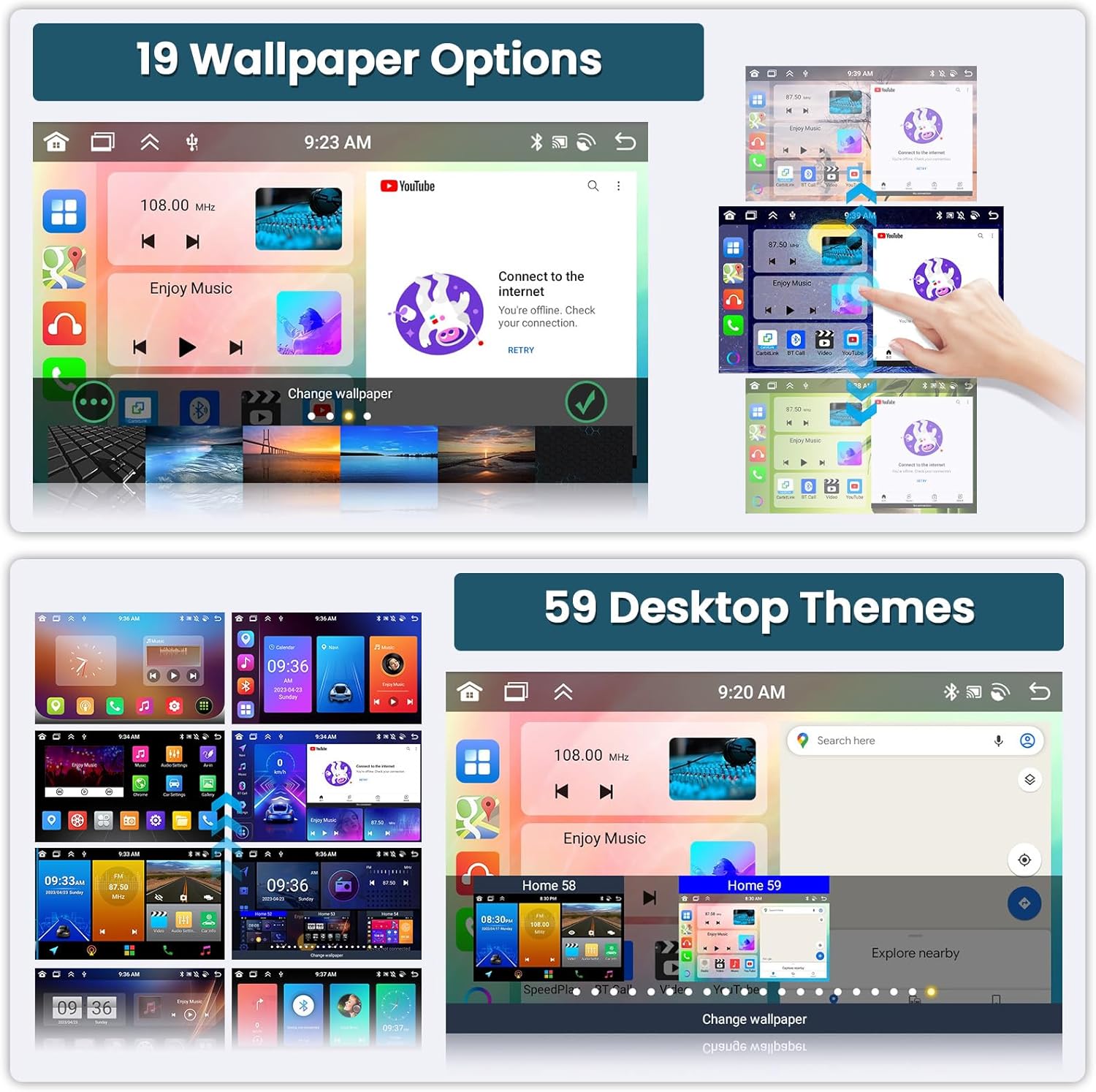
Newest 6+128G Android Car Radio: With powerful Android system and 8 cores CPU with higher performance, for hyundai elantra radio allows you to enjoy smooth running user experience. HD capacitive touch screen greatly improves the color effect to enjoy visual feast. Equipped with 19 wallpaper and 59 UI desktop themes, multiple choices as you like, brings you a brilliant experience
Wireless/Wired CarPlay & Android Auto: For hyundai elantra carplay radio supports connect your phone and for hyundai elantra car radio with Bluetooth (Wireless) or original USB data cable (Wired). And you can easily make/answer phone calls, listen to music, GPS navigation, integrating smart voice control via Siri and Google assistant to bring you more comfortable and convenient driving experience
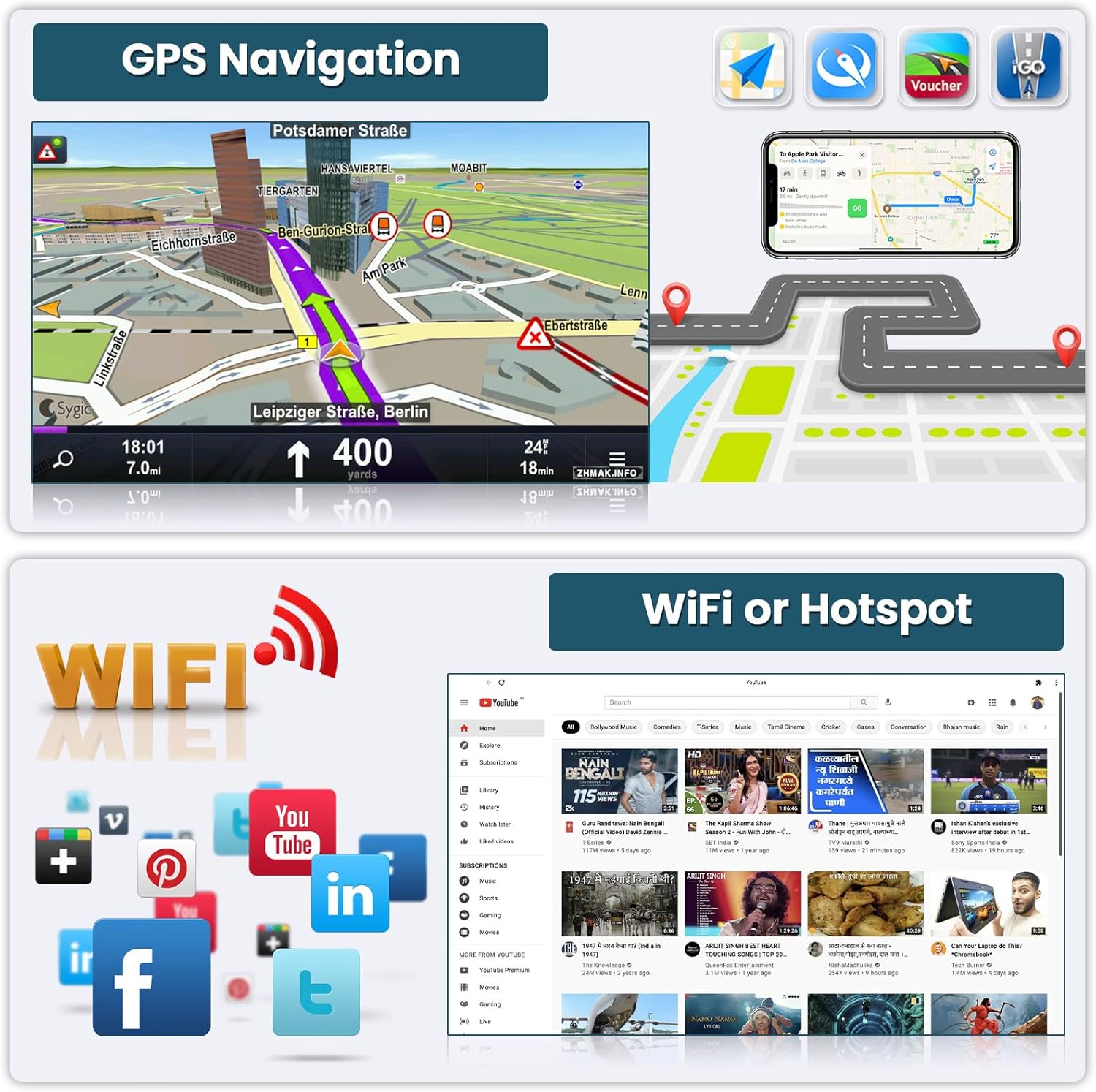
WIFI & GPS Navigation: Connect to WiFi, you can download various applications on the for hyundai elantra stereo radio. You can listen to online music and watch “YouTube” videos. It is as convenient as a large smart phone, adding fun to the journey. Built-in GPS navigation, you can download offline navigation directly from the Play Store. After connecting to WiFi, the online map can also be used perfectly
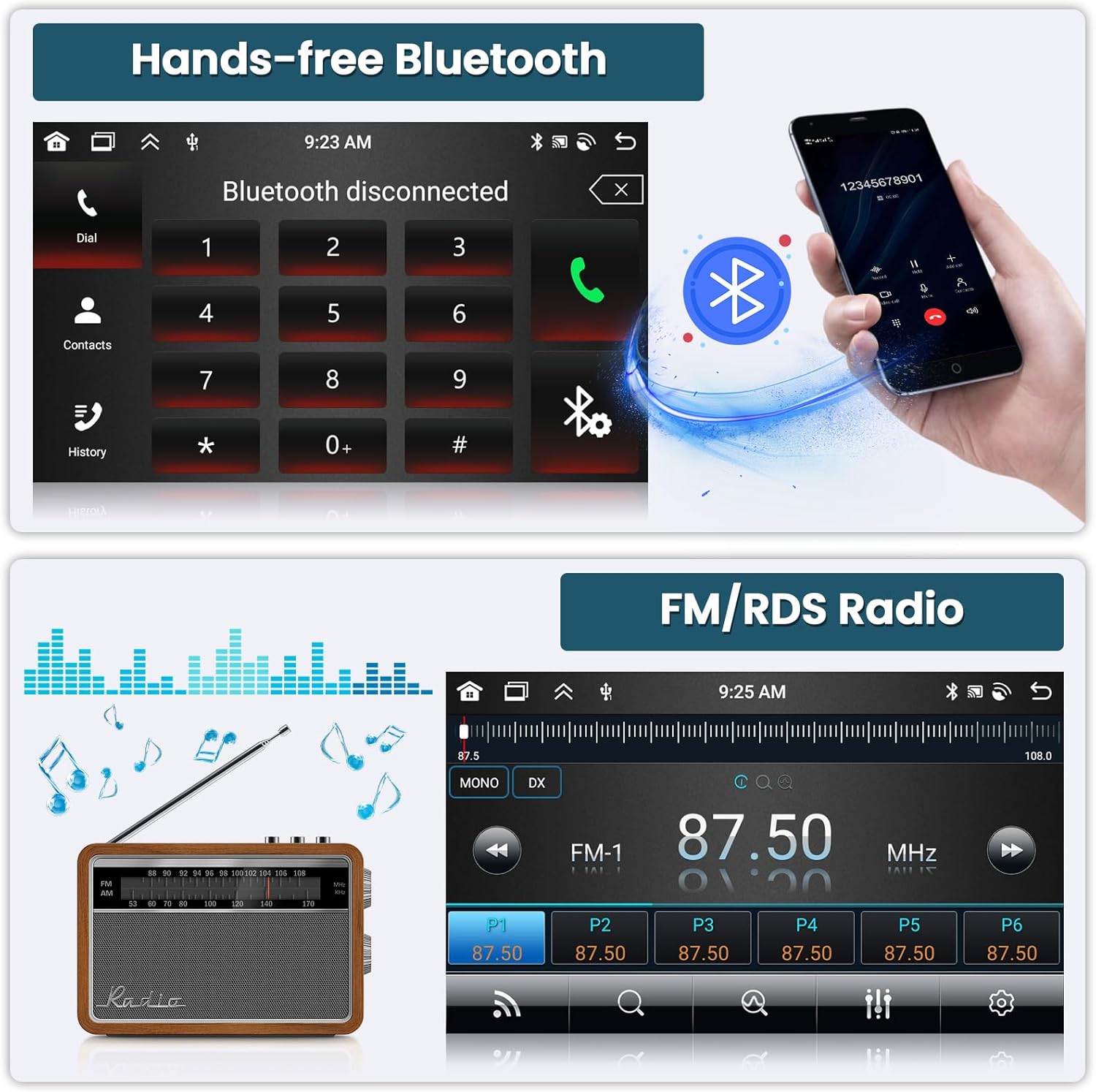
32 EQ & FM/RDS Radio: Upgrade car stereo for hyundai elantra equipped with pre-installed car tuning software with EQ tuning technology, you can adjust frequency, 32 band EQ, sound type selection on the app/settings to make up for the lack of original speakers and make you enjoy the perfect audio quality. Built-in FM/RDS radio allows you to listen to new broadcasts, real-time traffic, weather forecasts anytime anywhere
Bluetooth 5.0 & Mirror Link: For hyundai elantra android radio with built-in Bluetooth 5.0 for a more stable connection and avoiding interruptions, supports you in freeing you hands to make calls, phone book synchronization and Stream Music Play. Mirror Links for Android and iOS smartphones, you can synchronize the phone screen on the android head unit to enjoy playing video on a larger screen
Backup Camera & Steering Wheel Control: For hyundai elantra touch screen supporting steering wheel control, the function you want can be easily controlled without making your hands leave the steering wheel. Supports automatically switch to reverse image when the vehicle enters reverse
Customers say
Customers find the navigation system works well, with one mentioning it’s compatible with the 2010 Hyundai Elantra. The product fits perfectly, looks great, and is of good quality. They appreciate that it’s plug and play, with one customer noting the harness connects flawlessly to the factory plug.
![The best displays to pair with your new Mac [Updated]](https://i0.wp.com/9to5mac.com/wp-content/uploads/sites/6/2025/11/Asus-ProArt-Display-6K-Review.jpg?resize=1200%2C628&quality=82&strip=all&ssl=1 "The best displays to pair with your new Mac [Updated]")



